Plan
Choose the provider, mailbox structure, aliases and migration approach.

Custom-domain company email, migrations, authentication and professional team setup.
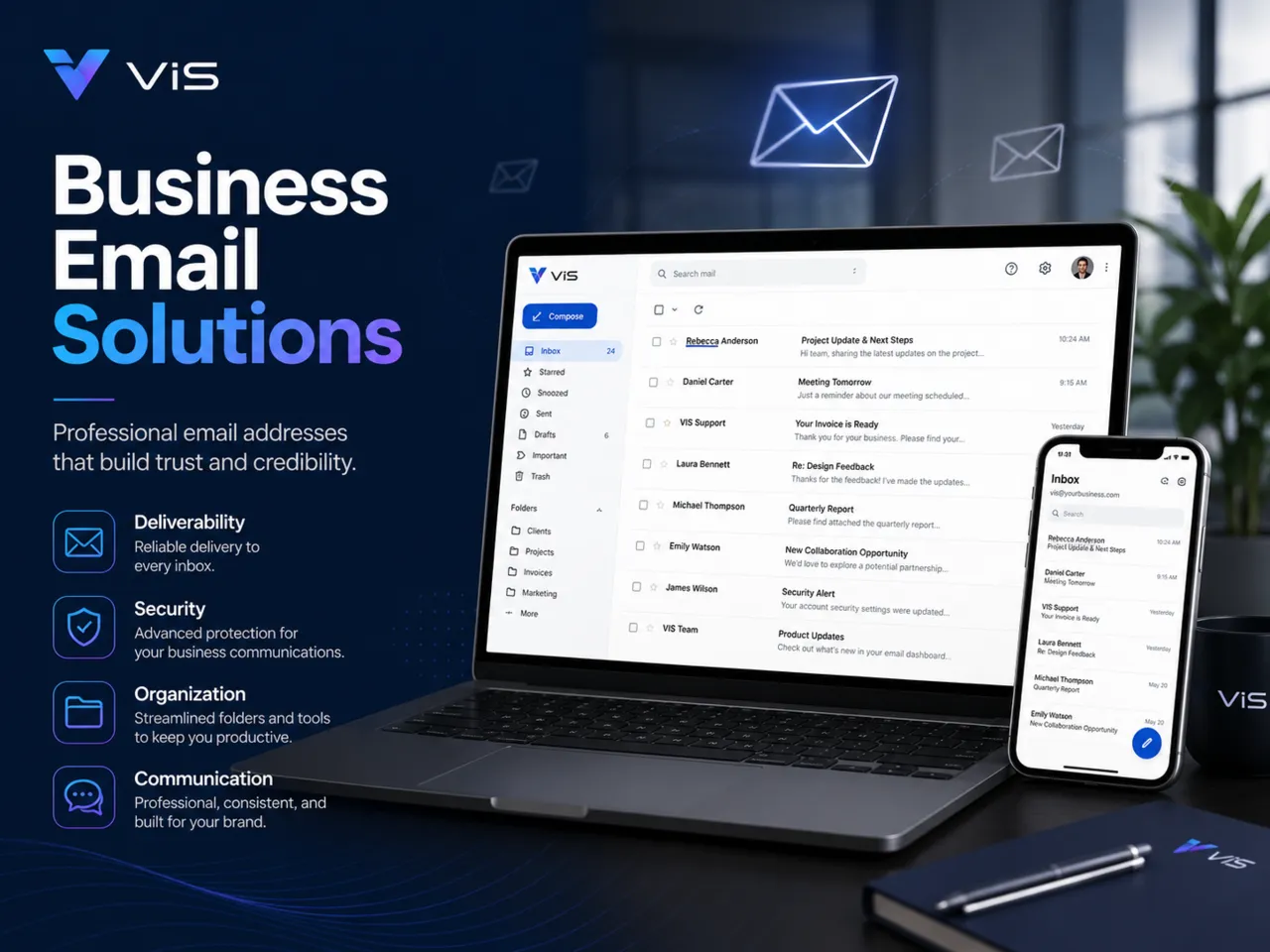
Replace free personal email addresses with a professional company email environment that strengthens trust and gives your team a consistent business identity.
Every engagement is scoped around the actual business requirement rather than a generic package of features.
Businesses still using free Gmail or Yahoo addresses for official communication
Companies moving to a new domain or email provider
Teams that need shared inboxes and consistent staff addresses
Organisations that want SPF, DKIM and DMARC configured correctly
Choose the provider, mailbox structure, aliases and migration approach.
Create mailboxes and configure the required DNS and authentication records.
Move existing mail where required and reduce disruption during the change.
Set up desktop and mobile access, then verify sending, receiving and authentication.
It is an email address using your company domain, such as hello@yourcompany.com, instead of a free consumer email domain.
VIS can configure Google Workspace, Microsoft 365 and Hostinger Business Email where appropriate.
Migration can be planned where the existing provider and mailbox structure support it.
They are email authentication controls that help receiving servers verify authorised mail and reduce impersonation or delivery problems.
A custom-domain email address strengthens credibility and gives the organisation better control over staff mailboxes, aliases, shared inboxes and security. VIS can plan the provider, DNS authentication, migration and device setup as one implementation.
Create addresses such as hello@company.com, accounts@company.com and named staff mailboxes using the organisation’s domain.
Plan mailbox migration where supported and configure desktop, mobile and web access with minimal disruption.
Configure SPF, DKIM and DMARC to improve sender authentication and reduce common spoofing or deliverability problems.
VIS can work with Google Workspace, Microsoft 365 and Hostinger Business Email where they fit the organisation’s needs.
Yes. Business email can normally be configured on the existing company domain by updating the relevant DNS records.
Yes. Mailboxes can be configured for supported mobile and desktop applications as part of the setup.